
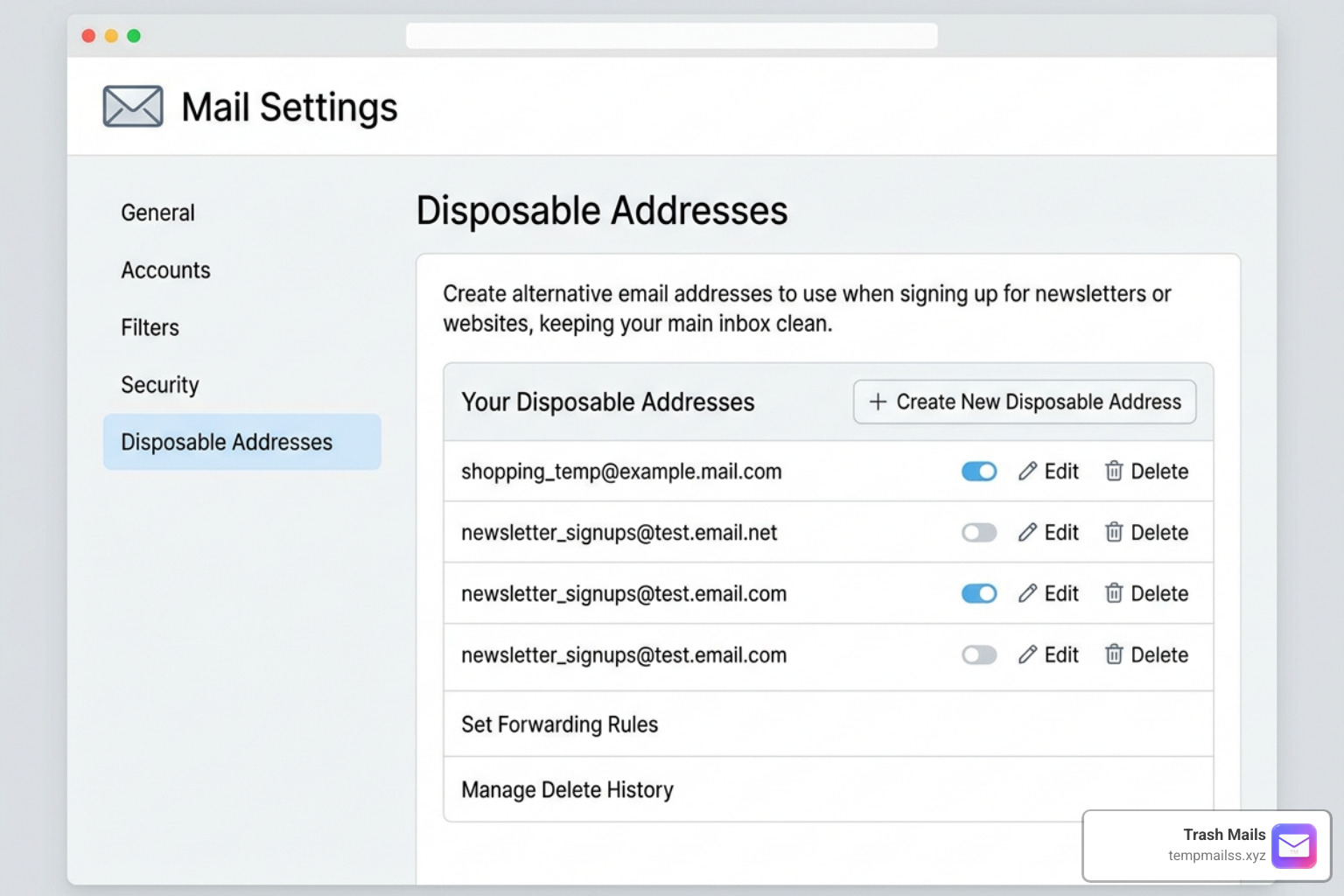
Clean Up Your Inbox with Yahoo Temporary Mail
Your Yahoo Inbox Is Drowning in Spam - Here's What to Do

If you use Yahoo Mail, you already know how quickly spam can take over your inbox. Every sign-up, download, and one-time verification is another chance for your address to end up on a marketing list.
The real solution? Stop giving out your real email address entirely. A temporary mail address lets you handle sign-ups and verifications without ever exposing your primary inbox.
| Option | Free | No Sign-Up Required | Auto-Deletes | Best For |
|---|---|---|---|---|
| Yahoo built-in disposable address | Up to 3 (free tier) | No - needs Yahoo account | No - manual deletion only | Very limited use |
| Trash Mails temporary address | Yes | Yes | Yes | Anyone wanting stronger privacy |
Yahoo does offer a basic built-in alias feature, but it is extremely limited - capped at just 3 addresses on the free tier, with no auto-deletion and no real anonymity. For most users, a dedicated temporary email service like Trash Mails is the far better choice: instant, unlimited, and completely anonymous with zero sign-up.
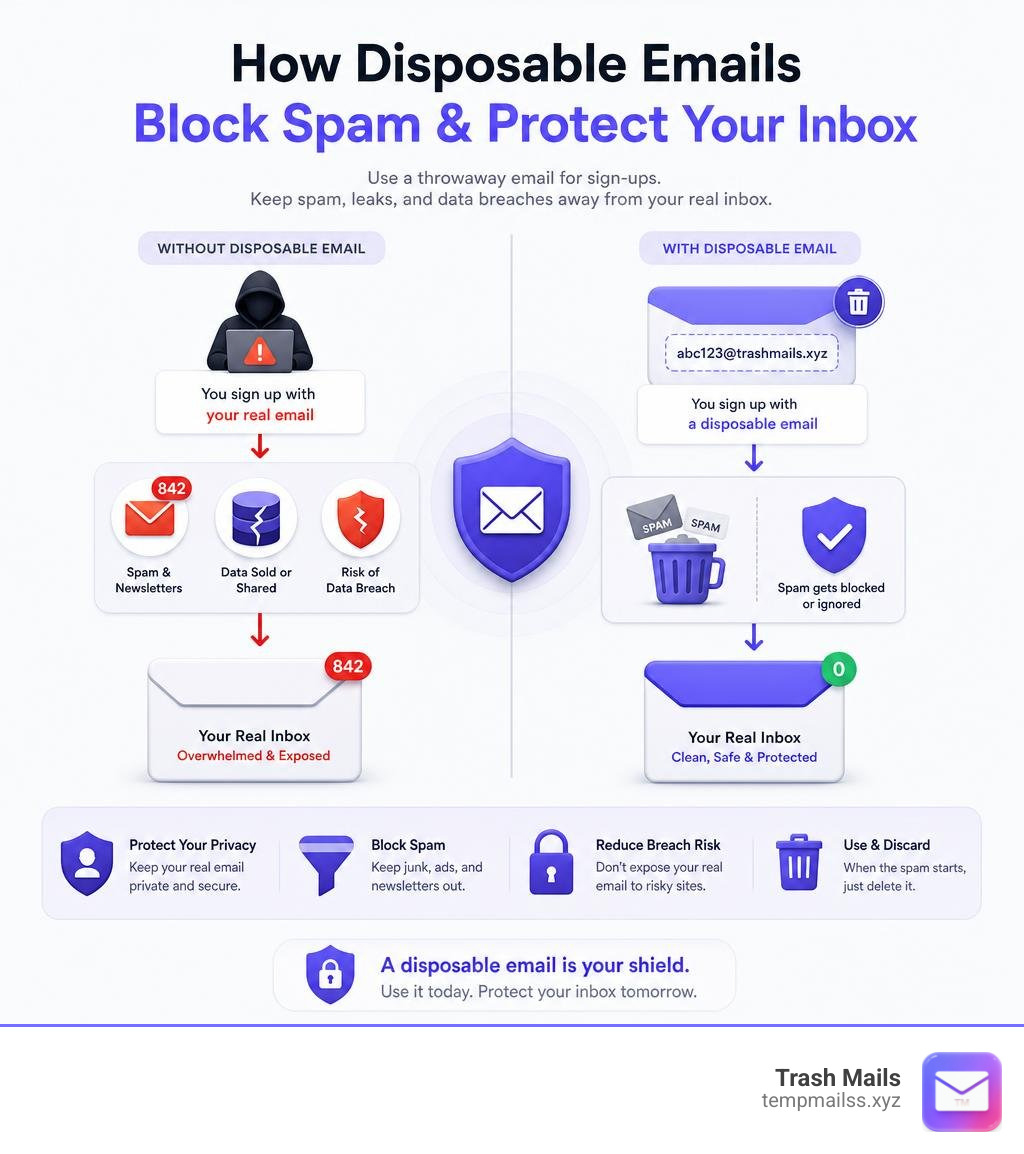
Every time you hand over your real email address to a website, you're rolling the dice. That site might sell your data, flood your inbox with newsletters, or get hacked - and suddenly your inbox is a mess you didn't sign up for.
Yahoo users face this problem more than most. In 2013, Yahoo suffered the largest data breach in internet history, compromising all 3 billion accounts. Many Yahoo email addresses have been circulating in spammer databases ever since.
The good news? You don't have to give out your real address. A temporary email address acts as a shield: it receives the mail you need, and when the spam starts, the address simply disappears.
This guide explains why Yahoo users are especially vulnerable to spam, what limited options exist within Yahoo itself, and why a dedicated temporary email service is the smarter choice for protecting your inbox.
What Is Yahoo Temporary Mail and How Does It Work?
Yahoo Mail includes a basic alias feature that lets you create alternate addresses linked to your primary account. Rather than generating a completely separate, anonymous inbox, Yahoo uses an email alias system tied directly to your main account.
Every Yahoo disposable email address is structured into two main parts:
- A Base Name (or Nickname): This is a unique identifier that you choose when you first set up the feature. It remains identical across all the aliases you create under that account.
- A Keyword: This is a unique word you choose for each specific address to help you track where your mail is coming from.
The final address looks like this: basename-keyword@yahoo.com.
When someone sends an email to one of these aliases, Yahoo routes the message straight into your main inbox. You can hand out these aliases to untrusted websites, and if one starts spamming you, you can delete that specific alias.
However, this system has a critical weakness: because every alias shares your permanent base name, they are not truly anonymous. A tech-savvy tracker could link different aliases back to your same account if they notice the shared base name. For genuine privacy, a fully anonymous temporary email service is a much stronger option.
Why Yahoo Mail Users Need Disposable Addresses
If you have been using Yahoo Mail for years, you have probably noticed a steady increase in junk mail. There are two major reasons why your primary Yahoo inbox is highly targeted by spammers and advertisers:
1. The Legacy of Massive Data Breaches
Yahoo holds the unfortunate record for the largest security breaches in internet history. In 2013, a massive security failure compromised all 3 billion Yahoo user accounts. Just a year later, in 2014, another separate breach exposed the personal data of over 500 million accounts.
Because of these historical leaks, millions of active Yahoo addresses have been compiled into massive marketing lists used by spammers worldwide. If your email was part of those breaches, you are likely fighting an uphill battle against automated spam.
2. Commercial Surveillance and Email Scanning
Unlike highly secure, privacy-focused email providers, Yahoo relies heavily on an advertising-supported business model. This means Yahoo scans the contents of your incoming emails to deliver targeted advertisements to you.
Using disposable Yahoo aliases helps you compartmentalize your digital footprint. By routing untrusted sign-ups through disposable aliases, you keep your primary email address clean and make it much harder for advertisers and data brokers to build a cohesive profile on your online behavior.
How to Create and Manage Yahoo Disposable Emails
If you want to try Yahoo's built-in alias tool to organize your inbox, setting up aliases is a straightforward process - though as you will see, the feature is quite limited.
How to Set Up Your Yahoo Disposable Address
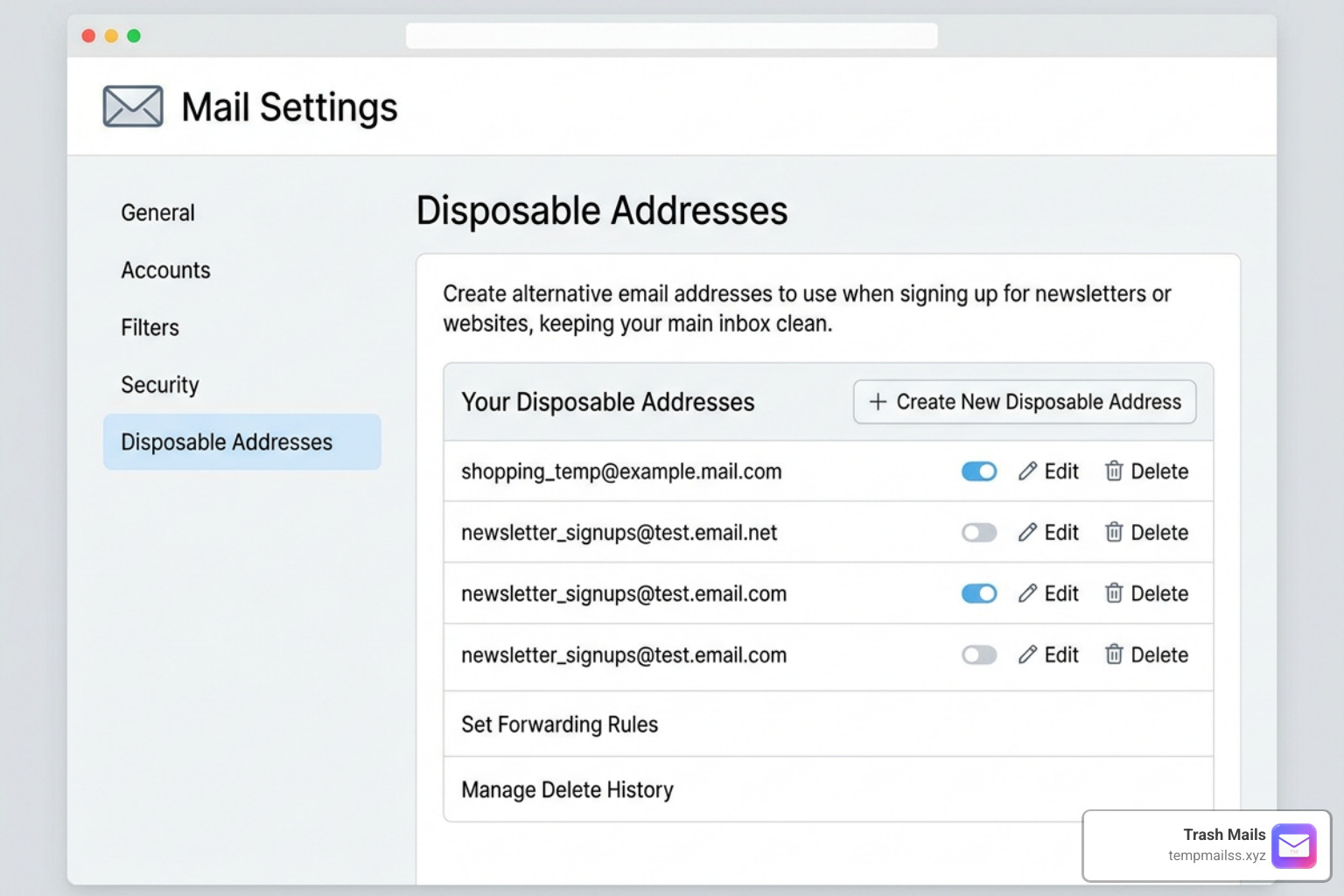
To create your first disposable address in Yahoo Mail on your desktop web browser, follow these steps:
- Log into your Yahoo Mail account.
- Click on the Settings gear icon in the top-right corner of the page, then click More Settings.
- On the left-hand sidebar, click on the Mailboxes tab.
- Locate the section labeled Disposable email address and click the Add button.
- Choose your permanent Base Name (or nickname). Note: Choose carefully! You can only set this base name once, and it will apply to all future disposable addresses you create.
- Enter a Keyword such as shopping or trials and an optional description to remind you why you created this address.
- Click Save.
Your new alias is now active. You can manage, edit, or delete these addresses from your account settings. That free users are limited to just 3 aliases total.
Editing and Deleting Your Yahoo Aliases
If an online store or a forum you registered with begins sending too many marketing emails, you can cut off their access.
To deactivate or delete a Yahoo disposable address:
- Navigate back to Settings > More Settings > Mailboxes.
- Click on the disposable email address you want to manage.
- To stop receiving mail entirely, click Delete Address.
- Confirm your choice.
Once deleted, any email sent to that address will automatically bounce back to the sender. However, this manual process highlights a key drawback: unlike a dedicated temporary email service that auto-deletes, Yahoo requires you to actively manage every alias yourself.
Limitations and Costs of Yahoo’s Built-In Feature
While Yahoo’s built-in disposable addresses are highly useful, they come with significant limitations that might make you look for external alternatives.
- The Free Tier is Extremely Limited: In supported regions, free Yahoo Mail users can only create up to 3 disposable email addresses. If you sign up for many different services, 3 addresses will run out almost instantly.
- Locked Behind a Paid Subscription: To unlock the ability to create up to 500 disposable addresses, you must subscribe to Yahoo Mail Plus (or Yahoo Mail Pro in certain legacy regions). Paying a monthly subscription fee just to avoid spam feels counterintuitive for many users.
- Regional Restrictions: The native temporary mail feature is not available to Yahoo users in all countries. If you live in an unsupported locale, the option to add disposable addresses will not even appear in your settings menu.
- No Real Anonymity: Because every single alias you generate shares the exact same "base name," your identity is still loosely linked across the web.
When Yahoo's Built-In Feature Isn't Enough
Given the strict limits of Yahoo's alias system, most users who care about privacy need a better solution. A dedicated temporary email service offers the protection that Yahoo's built-in tool simply cannot match.
Yahoo Mail Aliases vs. Trash Mails Temporary Addresses
At Trash Mails, we take a fundamentally different approach to protecting your inbox. We provide free, instant, and anonymous temporary email addresses that require absolutely no sign-up, no password, and no personal information.
By using our service, you get a clean break between your real identity and the websites you visit.
Here is how a dedicated temporary inbox differs from Yahoo's built-in alias system:
| Feature | Yahoo Disposable Mail | Trash Mails Temporary Addresses |
|---|---|---|
| Cost | Free (up to 3 addresses) / Paid Subscription | 100% Free |
| Account Required | Yes (Must have a Yahoo account) | No registration required |
| Maximum Addresses | 3 (Free) or 500 (Paid) | Unlimited |
| Identity Protection | Low (Aliases share your custom base name) | High (Fully randomized, zero connection to you) |
| Lifespan | Permanent until you delete them manually | Temporary (Automatic cleanup) |
| Setup Time | 2-3 minutes | Instant (1 click) |
If you need a quick verification code to read an article, download a PDF, or test a software trial, there is no need to dig through your Yahoo settings. You can instantly generate a secure, throwaway address using Free Temp Mail - Instant Disposable Email | Trash Mails.
Frequently Asked Questions about Yahoo Mail Disposable Addresses
How long do Yahoo disposable email addresses last?
Yahoo's built-in disposable addresses do not have an expiration date. They remain active permanently until you manually go into your mailbox settings and delete them. Once you delete an alias, it is deactivated immediately, and any future messages sent to it are blocked.
Can I send emails from a Yahoo disposable address?
Yes! When composing a new email in Yahoo Mail, you can click on the From field to expand a drop-down menu of your active addresses. Simply select your disposable address from the list to send an outbound message without revealing your primary Yahoo email address.
Do I need a paid subscription to use Yahoo disposable emails?
Not necessarily, but the free tier is very restrictive. Free Yahoo users in eligible regions can only create up to 3 disposable addresses. If you need more, or if you live in a region where the free option is disabled, you will need to pay for a premium Yahoo Mail Plus subscription.
Conclusion
Taking control of your digital privacy in 2026 doesn't have to be complicated or expensive. While Yahoo's built-in disposable email tool is a decent option for managing newsletters and shopping accounts, its strict limits and paid paywalls make it less than ideal for everyday web browsing.
If you want to keep your personal inbox clean, avoid commercial surveillance, and bypass tedious sign-up forms, we recommend using a dedicated temporary email service. Get your free, instant throwaway address today and Protect your privacy with Trash Mails.










