
How to Generate a Temp G Mail Address in Seconds
Why a Temp Gmail Address Saves You From Inbox Chaos

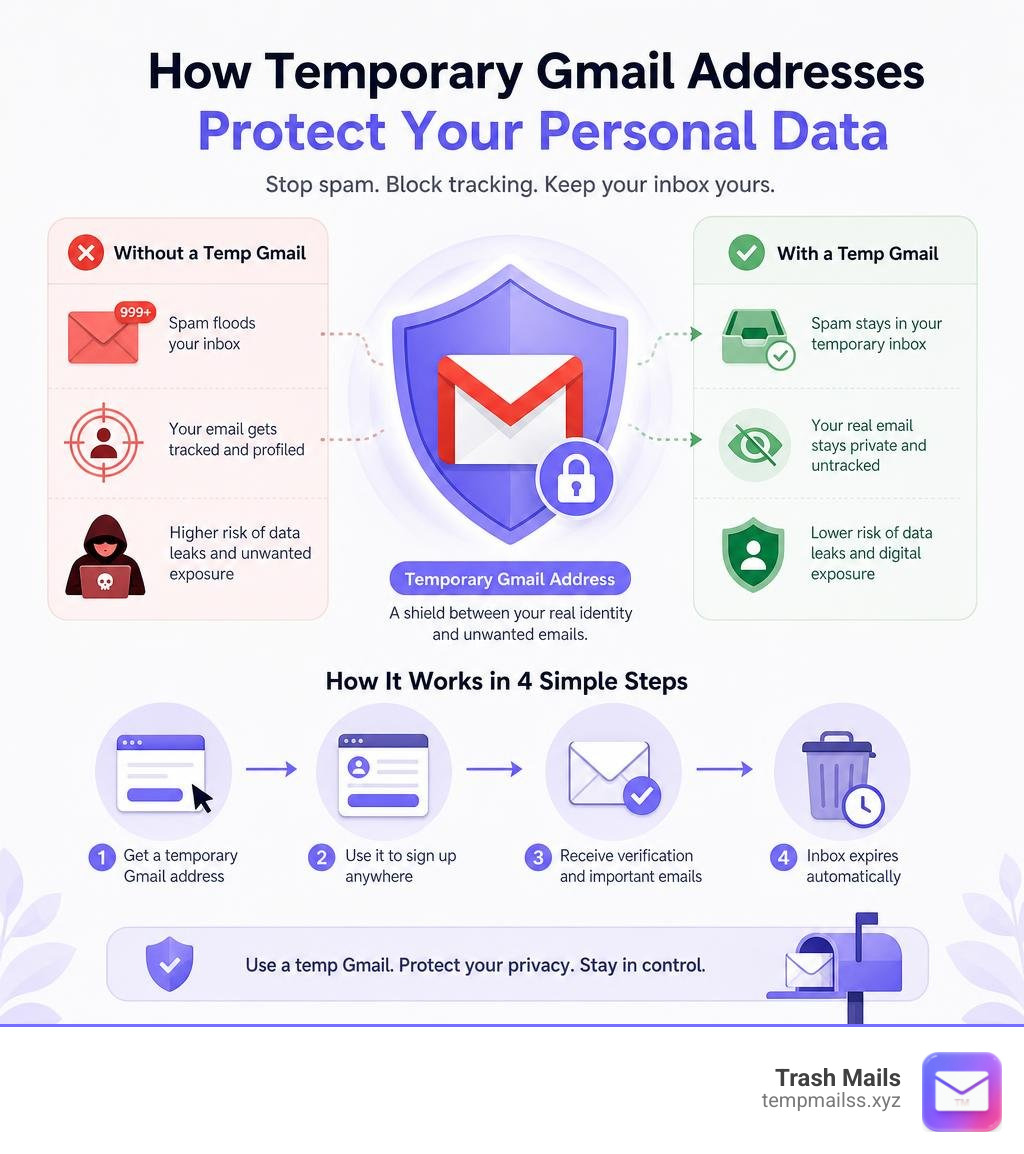
A temp Gmail address is a disposable email inbox that lets you receive messages without handing out your real address. Here's how to get one in seconds:
- Visit a temp Gmail service (like Trash Mails)
- Copy the auto-generated @gmail.com-style address
- Paste it into any sign-up form
- Check your temporary inbox for verification emails
- Done — your real inbox stays clean
No registration. No password. No spam.
Over 50% of all emails sent globally every day are spam. That number has only grown as websites collect addresses and sell them to marketers, advertisers, and worse.
Every time you sign up for a free trial, download a gated PDF, or join a new forum, you're handing over a piece of your digital identity. Most sites turn that email address into a marketing pipeline — newsletters, win-back campaigns, promotional blasts — all headed straight to your personal inbox.
A temp Gmail address breaks that chain before it starts. You get the verification email you need, the site never gets your real address, and the temporary inbox disappears on its own when you're done.
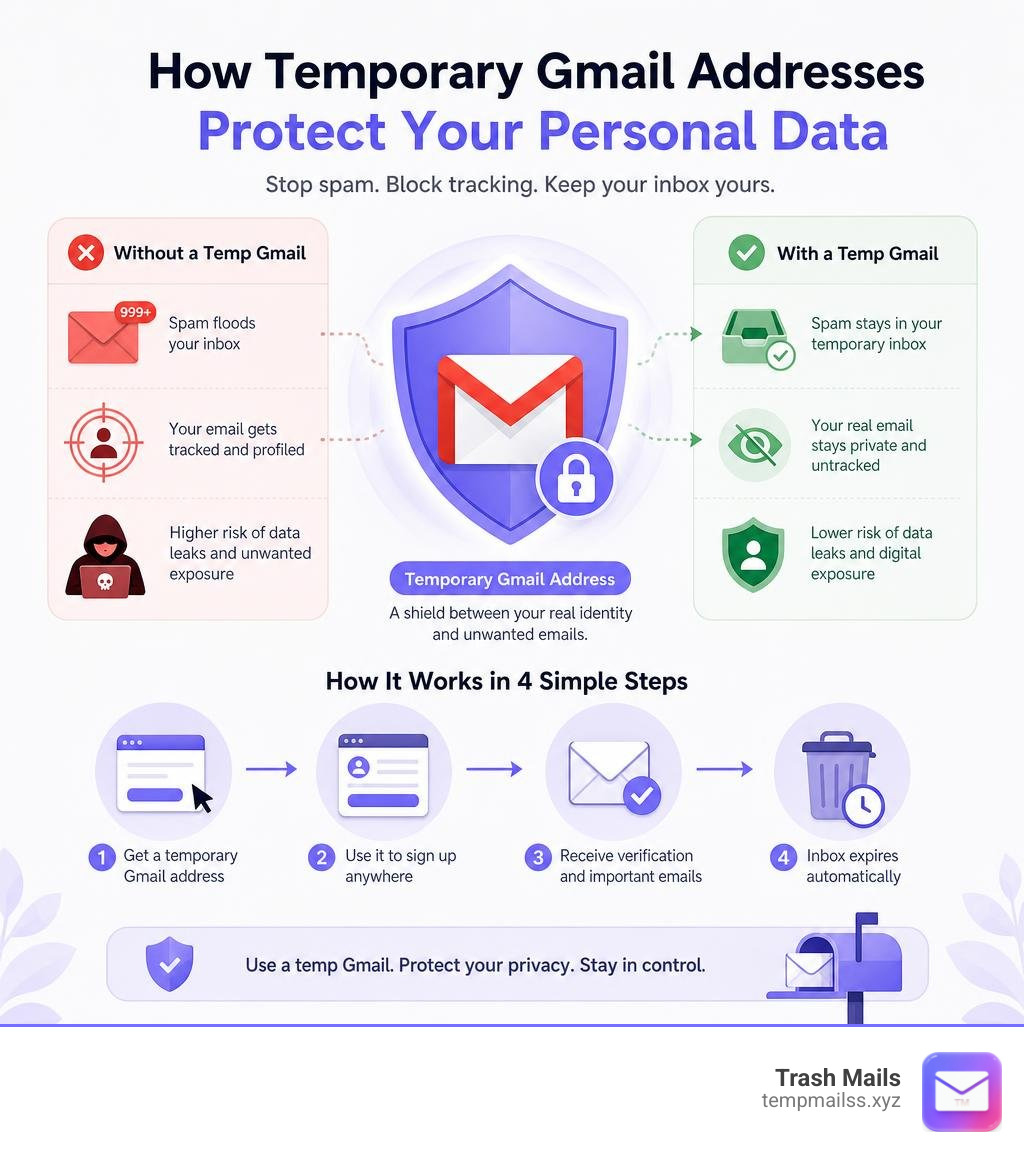
What is a Temp Gmail Address and How Does It Work?
To understand a temp Gmail address, we first have to look at how traditional disposable email systems operate. A standard disposable email service generates a completely random inbox using its own domain name (for example, @temporarybox.net or @trashmail.biz).
While this works for basic registrations, modern websites have caught on. Many online platforms, SaaS tools, and social networks use advanced domain filters to block registrations from known disposable domains. If you try to sign up with a standard temporary email, you will likely see an error message saying: "Please enter a valid email address."
This is where a temp Gmail address changes the game.
Instead of using a suspicious, unknown domain name, a temp Gmail service utilizes the highly trusted @gmail.com domain infrastructure. Because Google is the most widely used email provider in the world, no website can afford to block @gmail.com addresses without turning away millions of legitimate users.
The Technology Behind Trusted Domain Aliasing
How do we generate a temporary address that uses Google's trusted domain without requiring you to set up a brand-new Google account? The magic lies in two core technical approaches:
- The Dot Concept (Gmail Dot Notation): Google's mail servers ignore periods (dots) in Gmail usernames. For example, if a base email is
trashmails@gmail.com, Google treatst.r.a.s.h.m.a.i.l.s@gmail.com,trash.mails@gmail.com, andtr.ash.ma.ils@gmail.comas the exact same address. Google also confirms in its own Gmail Help documentation that dots do not matter in Gmail addresses. This means a single master account can generate thousands of unique, valid email combinations. - Plus Addressing (Gmail Aliasing): Gmail also ignores anything after a plus sign (
+) in the username. An email sent totrashmails+anylabel@gmail.comgoes directly to the main inbox oftrashmails@gmail.com. - Managed Account Pools: High-quality temporary email systems maintain a large, secure pool of real, active Google accounts. When you request an inbox, the system dynamically assigns you a unique alias or a dot-notation variant from this trusted pool.
When an external website sends a message to your generated temp Gmail address, our backend servers intercept the incoming stream in real-time, route it safely to your temporary browser window, and present it in a clean, sandboxed inbox.
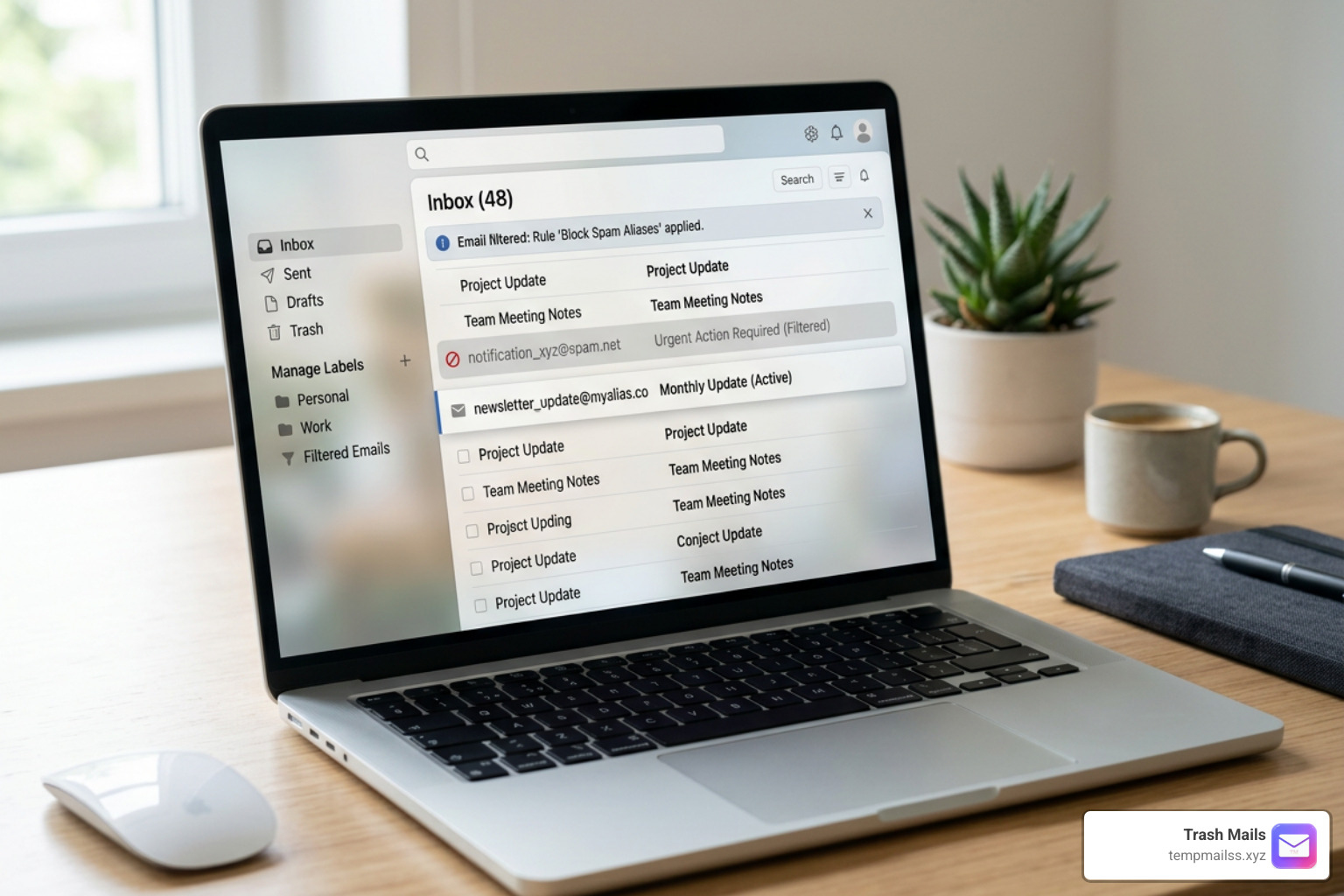
This process is entirely receive-only. You can view HTML emails, click verification links, and download attachments securely. Because the system utilizes real-world domain structures, you bypass strict sign-up blocks effortlessly while keeping your true identity fully isolated.
Temp Gmail vs. Manual Throwaway Accounts
You might wonder: Why not just open Google in an incognito tab and create a manual throwaway account myself?
While that is certainly possible, the process has become incredibly tedious. Google has implemented strict security measures to prevent automated bot creation, which means creating a new account manually requires several hoops:
- SMS Verification: Google almost always requires a unique, active phone number to verify new accounts. If you have already linked your phone number to your primary Gmail account, you may be blocked from using it again.
- Personal Information: You have to fill out forms with names, birthdates, and security questions.
- Time Commitment: The entire process takes anywhere from 5 to 10 minutes of active clicking and typing.
Furthermore, if you try to use Gmail's native plus-addressing (e.g., signing up for a service as yourname+spam@gmail.com), modern marketing platforms are smart enough to strip out the +spam portion. They will simply save your base address (yourname@gmail.com) to their databases, defeating the purpose of the alias entirely.
To help you visualize the differences, we have put together a comparison table:
| Feature | Automated Temp Gmail (Trash Mails) | Manual Throwaway Google Account |
|---|---|---|
| Creation Time | Less than 5 seconds | 5 to 10 minutes |
| Registration Required | No | Yes (Full sign-up form) |
| Phone Verification (SMS) | Never | Almost always required |
| Domain Trust | Maximum (Uses real @gmail.com domains) | Maximum (Uses real @gmail.com domains) |
| Privacy Protection | Complete (No personal data collected) | Moderate (Linked to your IP and phone number) |
| Lifespan | Auto-expires (Typically 24 hours) | Permanent (Unless abandoned or suspended) |
| Maintenance | Zero (Self-cleaning) | High (Requires managing passwords and security keys) |
| Cost | 100% Free | Free (But costs time and personal data) |
Step-by-Step Guide to Creating a Temp Gmail
Using our system to secure your digital footprint is incredibly straightforward. Because we prioritize speed and security, we have eliminated all registration forms and setup screens.
Generating Your First Temp Gmail Address
To get your clean, spam-free inbox up and running, simply follow these three quick steps:
- Access the Platform: Open your favorite web browser on any desktop or mobile device and go to Trash Mails.
- Automatic Generation: The moment the page loads, our system will automatically generate a unique, trusted temporary address for you. You will see it displayed clearly at the top of your screen.
- Copy and Use: Click the copy button to save the address to your clipboard. You can now paste this address into any registration form, paywall, or verification field across the web.
If you prefer a specific username rather than a randomized string, many temporary tools allow you to customize the prefix. Simply type your desired name into the custom input box, select the trusted domain, and click generate.
Managing Your Temp Gmail Inbox
Once you have submitted your temporary address to a website, you do not need to refresh the page or configure any settings.
- Real-Time Delivery: Incoming messages, including one-time passcodes (OTPs) and activation links, typically arrive in under 10 seconds. The inbox updates automatically as soon as the email hits our servers.
- HTML Sanitization: To protect your device from malicious scripts, tracking pixels, and browser exploits, our system processes all incoming emails through a security sandbox. We strip out harmful Javascript while keeping the email design clean and easy to read.
- Attachment Handling: Need to download a free guide, PDF, or software update? Our system securely processes incoming attachments. You can preview or download documents directly from your browser, though files exceeding 5MB may be restricted to maintain optimal server performance.
- Browser-Local Persistence: If you accidentally close your browser tab, do not panic. We store your temporary session in your browser’s local storage (
localStorage). As long as you reopen the site using the same browser, your inbox and received messages will be right there waiting for you.
Frequently Asked Questions about Temp Gmail
When it comes to digital privacy, we believe in complete transparency. Here are the answers to the most common questions users ask about temporary email systems, security protocols, and data policies.
How long do temporary Gmail addresses typically last?
Most temporary Gmail addresses are designed to last for exactly 24 hours. This window provides more than enough time to complete sign-ups, receive verification codes, download files, and confirm account setups.
Once the 24-hour expiration window closes, our system automatically triggers a permanent deletion cycle. The address is deactivated, and all associated messages, logs, and attachments are permanently wiped from our secure databases. Because we follow a strict data minimization protocol, expired data is completely unrecoverable.
Can I send emails from a temporary Gmail address?
No. Our temporary Gmail service is strictly receive-only.
We enforce this limitation by design to prevent our trusted domain pools from being blacklisted. If we allowed outbound emailing, malicious actors could use the platform to send phishing attempts, spam campaigns, or abusive messages. By keeping the service receive-only, we maintain a 99.9% domain trust score, ensuring that your verification emails always arrive instantly without being blocked.
When should I avoid using a temporary Gmail address?
While a temp Gmail is perfect for keeping your personal inbox clean, there are specific situations where you should never use a disposable email address:
- Financial and Banking Services: Never use a temporary email for bank accounts, cryptocurrency wallets, or payment processors. If you lose access to the account, you will not be able to receive recovery emails.
- Government and Healthcare Portals: Official communications, medical records, and legal notifications require permanent, highly secure email addresses.
- Primary Personal Accounts: Do not use temporary mail for platforms you plan to use daily for years, such as your primary social media accounts or work-related services.
Always reserve temporary addresses for low-risk, one-off interactions, such as testing software, dodging marketing newsletters, accessing public Wi-Fi networks, and bypassing online paywalls.
Conclusion
The battle against digital clutter and spam is ongoing, but you do not have to fight it with your personal email address. By utilizing a secure, trusted temp Gmail address, you take back control of your digital identity.
Whether you are trying to read a single paywalled article, test a new app, or sign up for a one-time discount, our service provides the ultimate buffer between your private inbox and the noisy world of online marketing. No forms, no fees, and absolutely no spam.
Ready to clean up your digital life? Protect your inbox with Trash Mails and generate your first secure temporary address in less than five seconds!










