
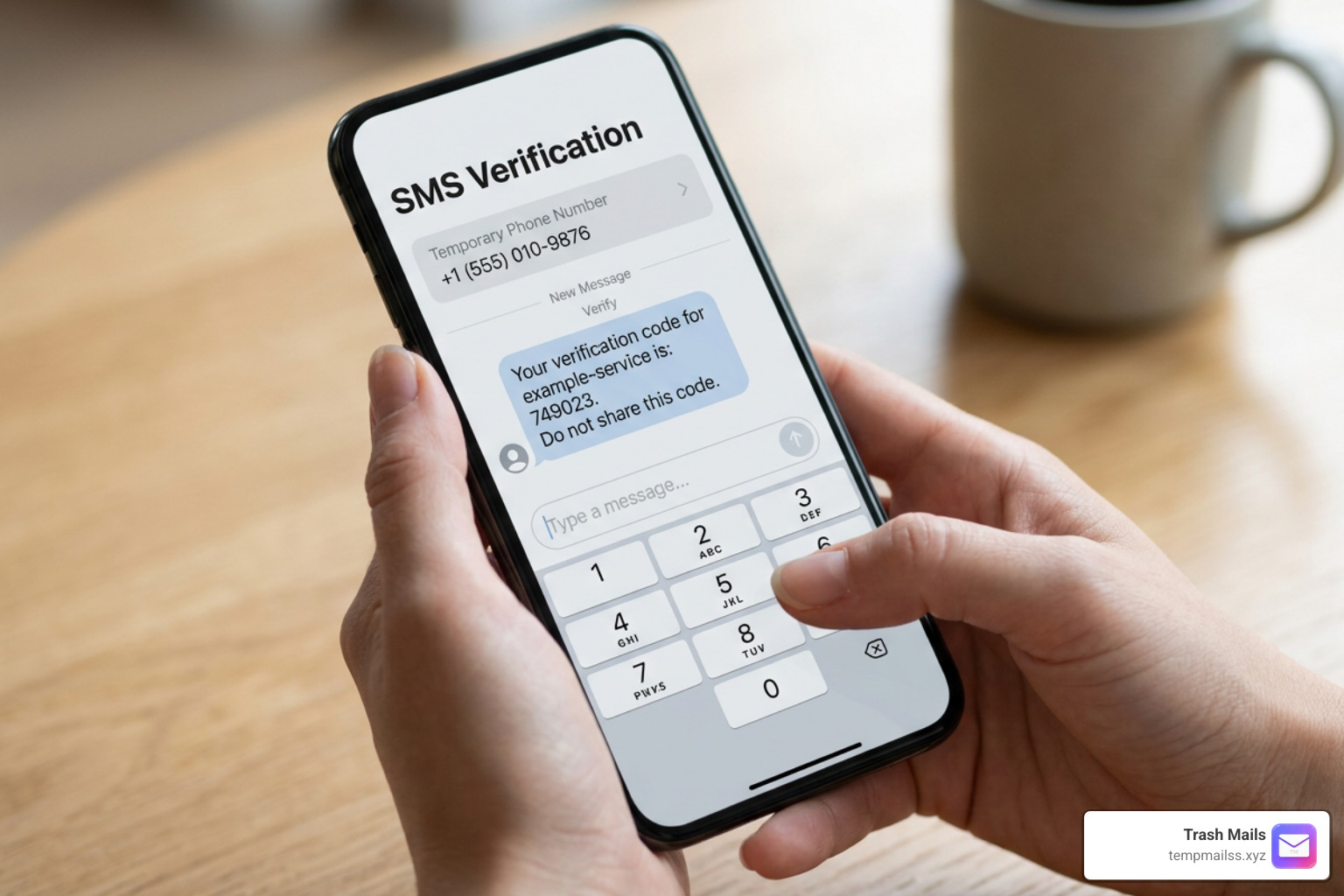
The Ultimate Guide to Getting Free Verification Codes Safely
Why So Many People Need to Receive Verification Code Free in 2026

If you've ever needed to receive verification code free without handing over your real phone number, you're not alone — millions of people do this every day to protect their privacy online.
Here's the quick answer if you just need to get started:
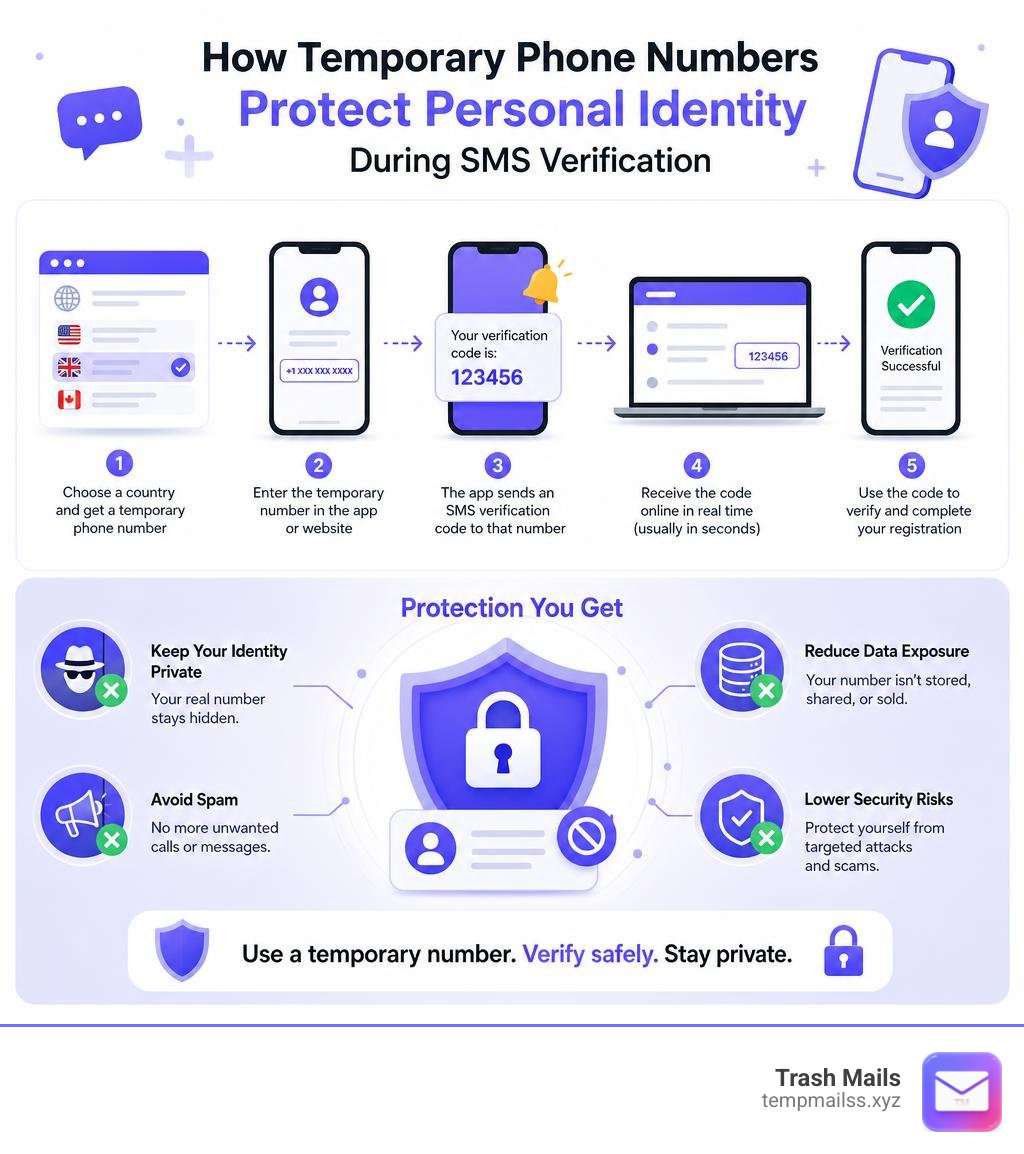
How to receive a free verification code online:
- Go to a free temporary number site (like ReceiveFreeSMS or SMSReceive.live)
- Pick a country and choose an available phone number
- Enter that number in the app or website asking for verification
- Return to the site and wait — your SMS code usually arrives within 10–30 seconds
- Copy the code and paste it into the app to complete verification
No registration. No SIM card. No personal details required.
Now, why does this matter so much?
Almost every app you sign up for today — WhatsApp, Instagram, Google, Telegram, Tinder — asks for your phone number before you can even look around. That number gets stored, sometimes sold, and often used to flood you with marketing messages you never wanted.
Temporary phone numbers solve this. They're real, working numbers that receive SMS codes, but they aren't tied to you personally. You use one, get your code, and move on.
The catch? Not all free options are equal. Public numbers are shared — meaning anyone can read the messages sent to them. Some platforms actively block them. And using them for sensitive accounts can create real security risks.
This guide walks you through exactly how to use free verification codes safely, which services work best, and when you should consider a more private option instead.
What is a Free SMS Verification Service and How Does It Work?
At its core, a free SMS verification service is a web-based platform that hosts thousands of virtual phone numbers. These numbers are connected to cloud-based telecom setups rather than physical mobile phones resting on someone's desk.
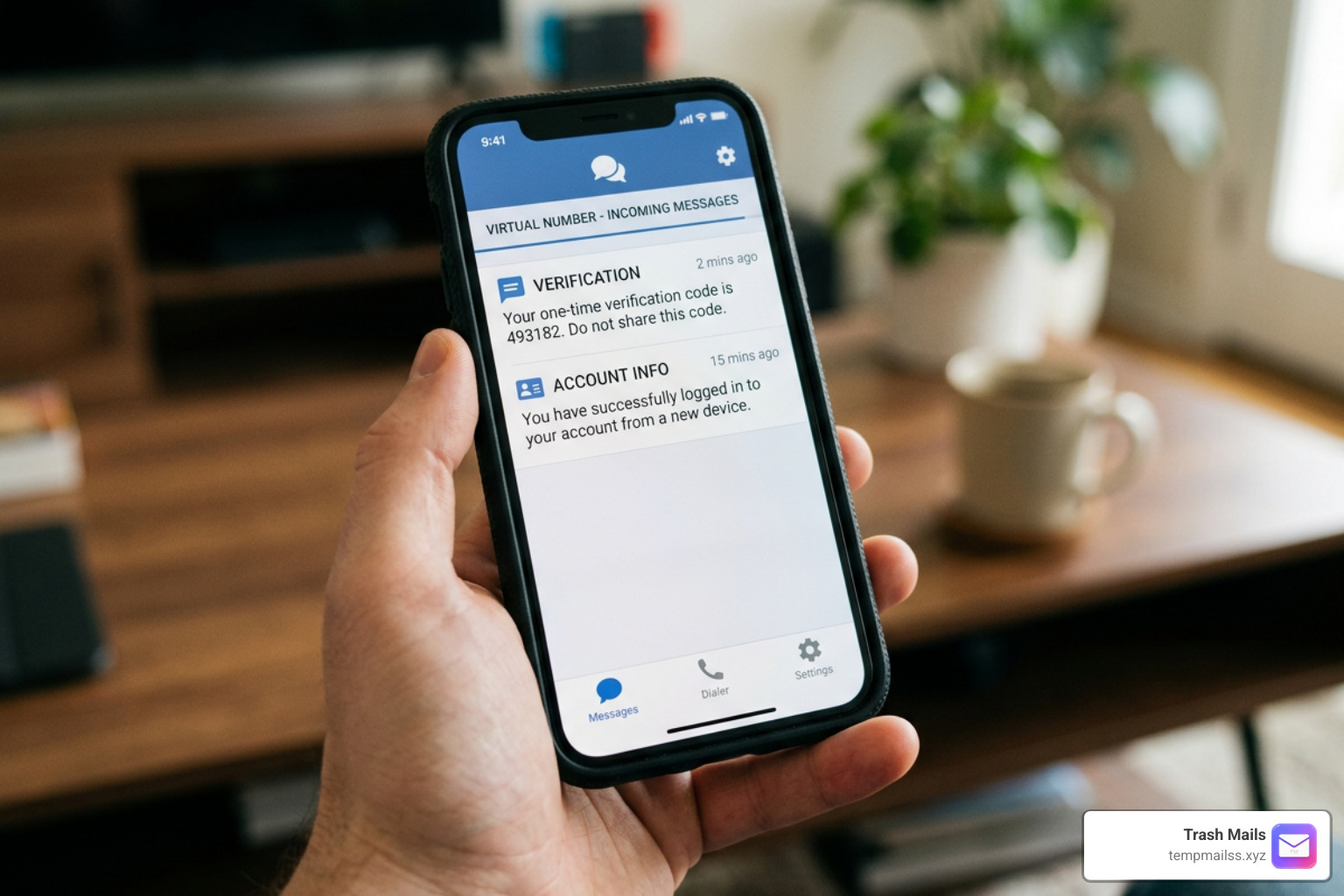
When a service like Google, WhatsApp, or Discord sends a text message containing a one-time password (OTP) to one of these numbers, the message goes through an SMS gateway. The gateway converts the cellular signal into digital data and routes it directly to the platform's website. Within seconds, the incoming text message appears on a public web page for you to view.
This process relies heavily on cloud telephony. Instead of buying a new SIM card every time you want to test a new app or create an alternative social profile, you can simply borrow one of these virtual lines for a few minutes. Because the incoming traffic is routed through the internet, the delivery is practically instant, often taking less than 30 seconds from the moment you click "send code."
How to Receive Verification Code Free Online
Using these platforms is remarkably straightforward because they are entirely browser-based. You do not need to download sketchy software, install browser extensions, or register an account.
To receive verification code free messages right now, you can use popular platforms like Free SMS Verification | Receive SMS Online — ReceiveFreeSMS. This platform provides access to numbers from over 40 countries—including the US, UK, Canada, Sweden, and Germany—and is trusted by over 100,000 users.
Here is how the magic happens in real-time:
- You open your web browser and navigate to a free SMS platform.
- You browse the list of available active numbers and choose one that matches the geographic region of the service you are signing up for.
- You copy the selected phone number and paste it into the registration form of the target app.
- You return to the SMS platform and watch the real-time inbox.
- Within a few seconds, the page refreshes automatically (or you can click the manual refresh button) to display your incoming verification code.
Because there is zero registration required on these platforms, you leave absolutely no digital footprint behind.
VoIP vs. Non-VoIP Virtual Numbers
As you dive deeper into virtual numbers, you will quickly run into two technical terms: VoIP and Non-VoIP. Understanding the difference is crucial if you want to avoid getting your accounts flagged or blocked.
VoIP (Voice over Internet Protocol) numbers are cheap, mass-produced virtual numbers. They are routed entirely over the internet without being linked to a physical cellular tower or a major telecom carrier. Because they are incredibly cheap to set up, many free SMS websites use them. However, major tech platforms have gotten incredibly smart. Services like Tinder, Venmo, WhatsApp, and Google use advanced platform detection to identify and reject VoIP numbers instantly.
Non-VoIP numbers, on the other hand, are tied to real physical SIM cards issued by major cellular carriers (like AT&T, Verizon, or Vodafone). They operate exactly like the phone in your pocket. Because they route through standard carrier infrastructure, they have near-perfect delivery rates. If you are struggling with a platform that rejects standard virtual lines, using a service like Free SMS Verification — Receive SMS Online | MobileSMS.io is your best bet, as they specialize in real-SIM, non-VoIP temporary options that bypass strict security filters easily.
Public vs. Private Numbers: Key Differences and Risks
While completely free public numbers are fantastic for quick, low-stakes registrations, they come with built-in trade-offs. To help you choose the right path for your privacy needs, let's break down how free public numbers compare to private rental options:
| Feature | Public Free Numbers | Private Paid/Rental Numbers |
|---|---|---|
| Cost | 100% Free | Subscription or Pay-per-use |
| Privacy | None (Publicly visible inbox) | Fully secure and private |
| Delivery Success | Moderate (Often filtered by strict apps) | Extremely high (Real SIM cards) |
| Lifespan | Temporary (Refreshed every few days) | Long-term (Can keep for months) |
| Registration | No signup required | Requires account creation |
| Best For | One-off tests, low-risk forums | Main WhatsApp, business accounts, 2FA |
The Limitations of Public Inboxes
The biggest risk of using a free public temporary number is the lack of privacy. When you use a public inbox, anyone visiting the website can see your incoming text messages.
If you register an account with a public number, a stranger could theoretically visit the same SMS site, see your message history, and use that same phone number to request a password reset. This opens the door to account takeovers.
Furthermore, because thousands of people share these free numbers, many popular services will eventually block a number for "excessive registrations." If a number is saturated with hundreds of Instagram verification requests in a single day, Instagram's security filters will flag it as spam and refuse to send any more codes to it.
Best Practices to Safely Receive Verification Code Free
Does this mean you should avoid free numbers entirely? Absolutely not! It just means you need to practice smart data hygiene and use a quick-use strategy.
First, never use free public numbers for sensitive accounts. This includes online banking, cryptocurrency wallets, primary email accounts, or anything containing your home address or payment details. Keep those locked down with your personal number or a dedicated private line.
Second, use free numbers for one-off, low-risk accounts. If you want to read a single article behind a paywall, test a new social platform, or download a free guide, a public temporary number is perfect.
Third, if you find that a public route is congested or your OTP isn't arriving, don't keep spamming the "resend" button. This will only lock you out. Instead, wait 30 to 60 seconds, and if it still doesn't show up, switch to a different country code or try a fresh line. For a highly reliable mix of free lines and high-quality private activations, you can check out Free Virtual Phone Numbers — Receive SMS Online | PVAPins, which offers an excellent progression route from free testing to premium rentals starting at just a few cents.
Step-by-Step: How to Receive Verification Code Free for Popular Apps
Ready to bypass your first phone verification screen?
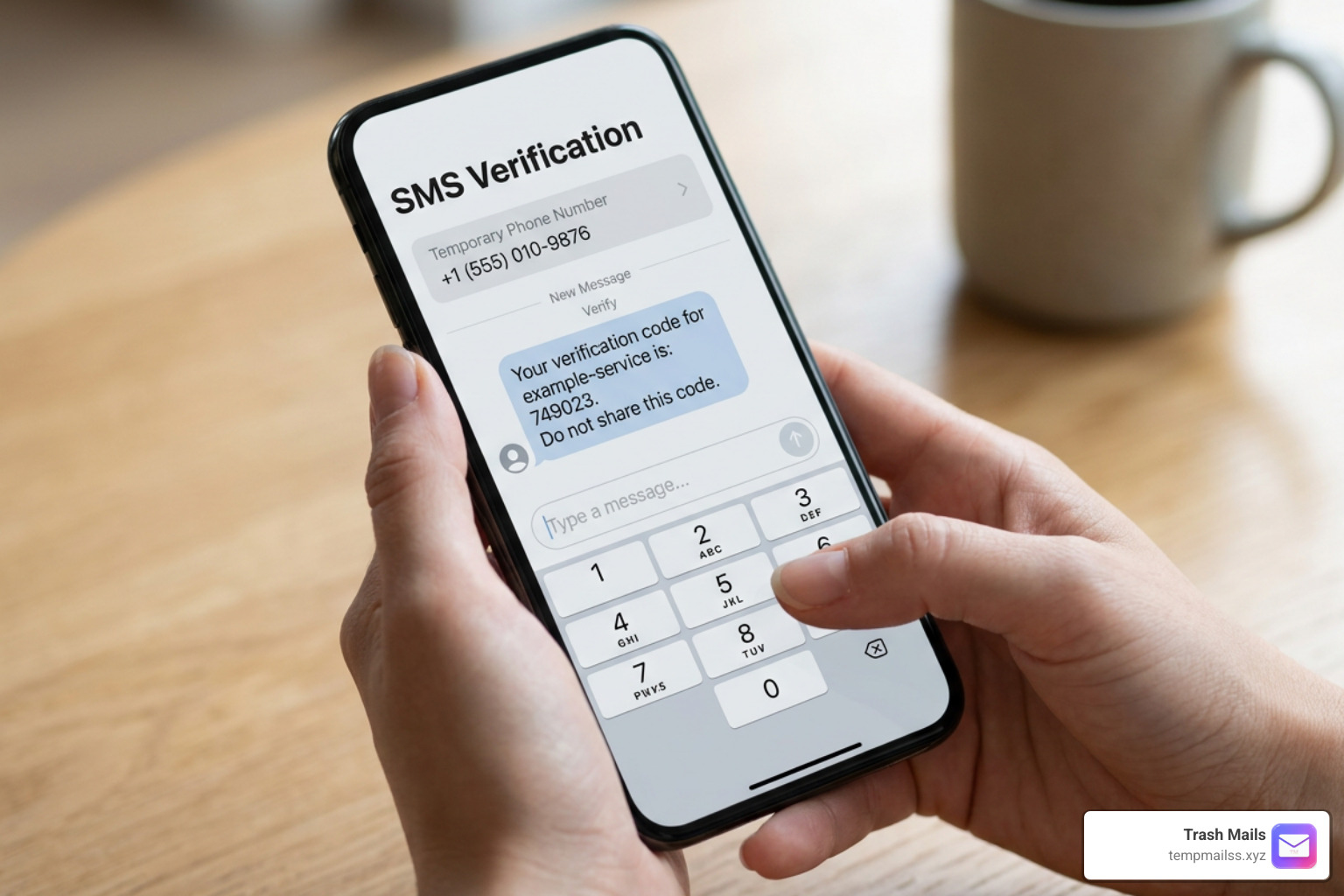
Let's walk through the exact step-by-step process using Receive SMS Online Free – Temporary Phone Numbers (23+ Countries), which allows you to receive instant verification codes for over 50 major platforms without downloading a single app.
- Navigate to the Platform: Open your web browser and head over to a free SMS directory.
- Select Your Country: Choose a country flag from the homepage. It's usually best to select a country that matches your current IP address (or the region of your VPN) to prevent security systems from raising flags.
- Copy the Phone Number: Click on the active number of your choice to open its live public inbox. Copy the full number, including the country code (e.g.,
+1for USA,+44for UK). - Submit the Number: Go to the app you want to register for, paste the temporary number into the phone field, and hit "Send Code."
- Watch the Live Inbox: Return to your browser tab with the public inbox. Wait about 10 to 30 seconds and click the "Refresh Table" or "Update Messages" button.
- Copy and Paste the Code: Once your message appears at the top of the list, copy the 4-digit or 6-digit OTP, paste it into the app, and enjoy your new private account!
Verifying Social Media and Messaging Apps
Social media platforms like Instagram, Telegram, and Facebook are notoriously strict about account creation. They want to ensure real humans are signing up, not automated spam bots.
When verifying messaging apps like Telegram or WhatsApp with a free number, keep in mind that these platforms often block standard VoIP lines. If you get an error saying "This number is not a valid mobile number," don't panic. Simply try a different country or look for a non-VoIP US number. Once you successfully bypass the verification screen and log in, immediately go to your account settings and enable Two-Factor Authentication (2FA) using an authenticator app (like Google Authenticator). This ensures that even if someone else uses that public phone number in the future, they won't be able to log into your account.
Bypassing OTPs on Shopping and Dating Platforms
E-commerce sites (like Amazon or eBay) and dating apps (like Tinder or Bumble) frequently demand phone numbers to prevent duplicate profiles and scam listings.
When using a free temporary number on these platforms, try to match your location. If you are signing up for a local marketplace app in the UK, make sure you use a UK temporary phone number. Using a US number while your app is set to London might trigger fraud prevention algorithms, leading to an immediate account suspension. Bypassing these OTPs is a fantastic way to keep your personal life private and prevent retail companies from tracking your shopping habits across the web.
Frequently Asked Questions about Free Verification Codes
Can I use free numbers for WhatsApp or Telegram?
Yes, but it can be challenging. Because WhatsApp and Telegram are incredibly popular, many of the public free numbers listed online have already been used to register accounts. Additionally, both platforms actively scan for and block VoIP numbers. If you want to use a free number for these apps, you may need to try multiple public lines before finding an active, unblocked one. For a seamless experience, upgrading to a private, dedicated rental number is highly recommended.
Why is my verification code not arriving?
If your code hasn't appeared after two minutes, it is usually due to one of three reasons:
- Carrier Filtering: The app you are signing up for has detected that the number is a shared virtual line and has blocked the outgoing SMS.
- Network Latency: There is a temporary delay between the app's SMS gateway and the virtual number provider.
- Number Saturation: Too many users have requested codes on that specific number in a short period, causing the system to rate-limit incoming messages. To fix this, simply clear your browser cache, choose a fresh number from a different country, and try sending the code again.
Are free temporary phone numbers safe to use?
They are completely safe for temporary, low-risk accounts like forum signups, free SaaS trials, and basic social media browsing. However, they are not safe for personal or financial accounts. Because the inbox is public, anyone can view the messages sent to that number, meaning your account security relies on you changing the recovery settings or setting up an independent authenticator app immediately after logging in.
Conclusion: The Ultimate Privacy Stack
Learning how to receive verification code free is a massive win for your online privacy, helping you dodge marketing spam, data leaks, and intrusive tracking. But phone numbers are only one half of the privacy puzzle.
What happens when a website doesn't ask for a phone number, but instead demands an email address to send a verification link? If you give them your real email, you'll end up with an inbox stuffed with newsletters, promotional spam, and potential security threats if that site ever suffers a data breach.
That is where we come in. At Trash Mails, we provide the ultimate companion tool to temporary phone numbers: free, instant, and unlimited temporary Gmail addresses.
Just like a free temporary phone number, our service requires absolutely no registration. You can generate a clean, disposable email address in a single click, use it to receive verification links, bypass paywalls, and keep your primary inbox completely spam-free.
By combining temporary phone numbers with our disposable email generator, you can take back control of your digital identity. Ready to secure your inbox? Protect your privacy with temporary email services at Trash Mails today!










