
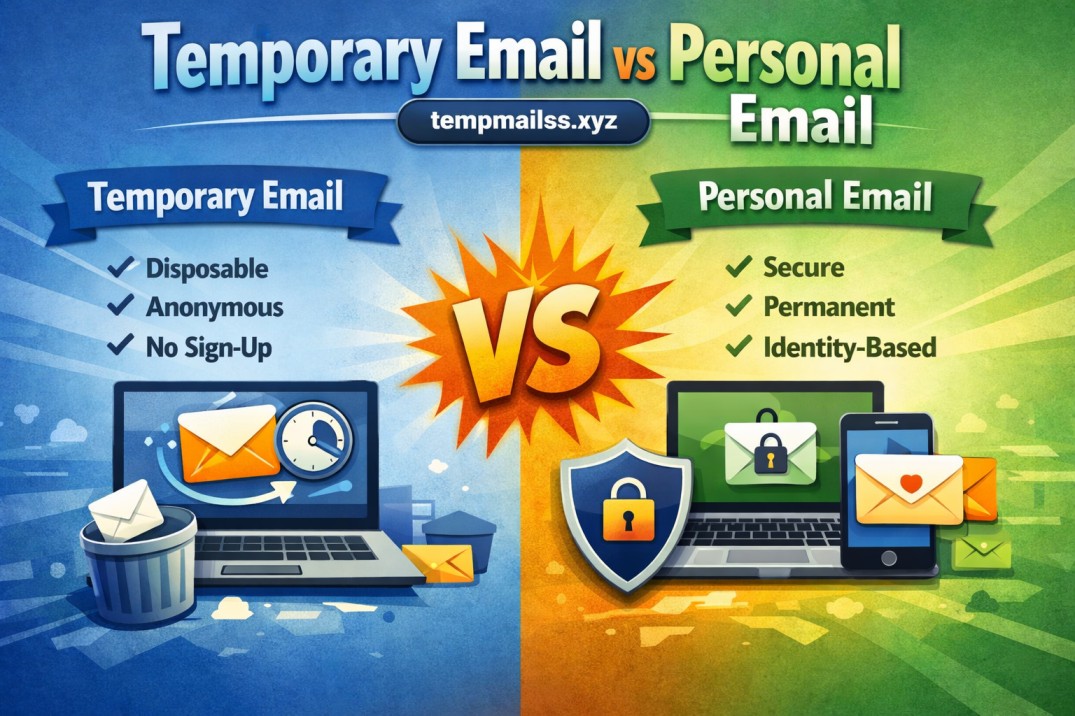
Temporary Email vs Personal Email
A few years back, I signed up for a "free" PDF converter tool because I needed to compress a file for a job application. Two minutes after entering my personal email, I got a welcome message. By the next morning, I had eleven more emails from companies I'd never heard of. Within a month, my inbox looked like a garage sale — coupon spam, "exclusive offers," and at least three newsletters I definitely didn't sign up for on purpose.
That was the moment I started actually thinking about which email address I hand out, and why.
If you've ever hesitated before typing your real email into some random website's signup form, you already understand the core of this article. Let's talk about temporary email vs personal email — not as some textbook comparison, but based on what actually happens when you use each one in real situations.
My Personal Email Used to Be My Everything Address
For years, I used one Gmail account for literally everything. Banking, work, online shopping, random forums, app signups, free trials — all of it went through the same address.
It felt convenient at first. One inbox, one password, easy to remember.
Then the cracks started showing.
- I started getting phishing attempts that looked scarily realistic
- My email showed up in a data breach (checked it on Have I Been Pwned — yep, it was there)
- Marketing emails buried important stuff like bank statements and OTPs
- Random apps kept emailing me "we miss you" messages months after I'd uninstalled them
That's when I realized my personal email wasn't really "personal" anymore. It had basically become public property, scattered across hundreds of databases I had no control over.
Enter Temporary Email — My First Try Was Honestly Skeptical
I'll be honest, the first time someone suggested using a temp mail service, I thought it sounded sketchy. Like something only used for shady purposes.
But curiosity won. I needed to download a "free trial" ebook that obviously required an email to send a verification link. Instead of using my real address, I used a temporary email generator.
Here's literally what I did:
- Went to a temp mail website (similar to what tempmailss.xyz offers)
- Got an instantly generated email address — no signup, no password
- Copied that address into the ebook site's signup form
- Switched back to the temp mail tab, waited about 10 seconds
- The verification email landed right there
- Clicked the link, downloaded my ebook, closed the tab
That was it. No spam in my real inbox. No long-term trace. The temp email expired on its own after a while, and I never thought about it again.
That single experience changed how I think about email addresses entirely.
So What's the Real Difference?
Let me break this down the way I'd explain it to a friend over coffee, not like a textbook definition.
Personal email is your identity online. It's tied to your name, your accounts, your bank, your work, your social circle. It's meant to last for years and build trust over time.
Temporary email is disposable. It exists for minutes, hours, or days — just long enough to receive one verification code or one confirmation link — and then it disappears. No one expects it to last, and that's exactly the point.
Think of it like this: your personal email is your house address. Your temp email is a hotel room you check into for one night.
When I Use My Personal Email (And Why)
Through trial and error, I've settled into a pattern that works for me. I use my personal/main email for:
- Banking and financial accounts
- Government services or anything official
- Long-term work communication
- Social media accounts I actually plan to keep
- Anything where I need account recovery to work properly down the line
Basically, anything where trust, history, and long-term access matter.
When I Reach for a Temporary Email Instead
Over time I built a mental checklist. If a website or app falls into any of these categories, I don't hesitate to use a disposable address:
- One-time downloads — ebooks, templates, PDFs, free guides
- Free trials I'm not 100% sure I'll continue after the trial ends
- Forum or comment sections where I just want to post once
- Online tools that demand an email just to "unlock" a basic feature
- Testing apps or websites during development work (I do a bit of freelance web stuff, so this comes up often)
- Contests or giveaways where I expect spam regardless
- Software demos where I just want to poke around before committing
Honestly, probably 30-40% of the signups I used to do with my real email now go through a temporary one instead. My main inbox has noticeably calmed down since I started doing this.
A Mistake I Made (So You Don't Have To)
Here's something I learned the hard way: don't use temporary email for anything you might need to recover later.
I once used a disposable email to sign up for a free design tool I actually ended up liking. Used it for a project, came back two weeks later wanting to log in again — and the email was long gone. Couldn't reset the password, couldn't recover the account, had to start completely from scratch.
Lesson learned: temp email is great for "I just need this once" situations. It is NOT meant for accounts you might actually want to keep using.
Now I ask myself one quick question before signing up for anything:
"Do I see myself coming back to this in a month?"
If yes — personal email. If no, or I'm unsure — temporary email.
Step-by-Step: How I Decide Which Email to Use
If you want a simple system like mine, here's the actual process I follow now:
Step 1: Ask if the signup is a one-time action (download, unlock content, view an article). Step 2: If yes, generate a temporary email instantly from a temp mail site. Step 3: Use that address only for that single purpose. Step 4: If the service requires SMS verification too, that's usually a sign to skip it altogether — temp mail mainly covers email verification, not phone numbers. Step 5: If I think I'll need ongoing access (subscriptions, tools I'll actually use, anything tied to payment), I use my personal email instead, sometimes with a "+alias" trick (like yourname+shopping@gmail.com) so I can filter and track where spam is coming from.
That alias trick alone has saved me a lot of headache, by the way. Gmail and most providers let you add a "+something" before the @ symbol, and it still delivers to your main inbox but lets you see exactly which company is sending what.
Real Examples From My Own Inbox Habits
- Signing up for a free icon pack on a design resource site → temp email, no regrets
- Creating my actual portfolio website's hosting account → personal email, obviously
- Testing a random Chrome extension that asked for email verification before allowing downloads → temp email
- Setting up PayPal for freelance payments → personal email, no question about it
- Reading an article that was "locked" behind an email wall → temp email every single time
You start to notice a pattern pretty quickly once you've done this a few times.
Common Mistakes People Make With Temporary Email
Since I went down this rabbit hole myself, here are mistakes I either made or watched other people make:
Using temp mail for accounts that need long-term access. As I mentioned, this backfires badly when you actually want to keep using the service.
Assuming temp email is 100% anonymous. It hides your real email, sure, but it's not a full privacy shield. Websites can still track your IP address, browser fingerprint, and other details. Temp mail solves the spam problem, not the entire privacy problem.
Using it for anything financial or sensitive. Never use a disposable email for banking, payments, or anything involving real money or identity verification. That's asking for trouble.
Forgetting that some temp inboxes expire fast. If you wait too long to check the verification email, it might be gone. I learned to check it within a few minutes, not hours.
Relying on it for important recurring communication. If a service is going to send you something useful regularly (like updates, invoices, or important notices), use your real email.
Why This Combo Actually Works Better Than Picking Just One
I used to think I had to choose — either be the person who guards their email like a vault, or the person who throws it around carelessly. Turns out the smarter move is using both, depending on the situation.
My personal email stays cleaner because I'm not exposing it to every random website anymore. My temp email handles all the "throwaway" signups that used to clutter my main inbox. Each one is doing the job it's actually good at.
If you're someone who's tired of opening your inbox and seeing 47 unread promotional emails, genuinely try this approach for a month. Use a temp email for anything you don't truly need long-term, and keep your real email reserved for stuff that matters.
It's a small habit change, but it makes a noticeable difference pretty fast — my open inbox doesn't make me anxious anymore, and that's honestly worth more than it sounds like.
At the end of the day, it's not about which one is "better." It's about using the right tool for the right job — and once you start doing that, managing your online identity gets a whole lot less stressful.










