
Temporary Email vs Email Aliases: What's the Difference?
A few months back, I was signing up for a random recipe website just to grab a lasagna recipe. You know the type — the one that makes you create an account, verify your email, and then bombards you with "10 Ways to Use Garlic" newsletters forever.
I almost typed in my real Gmail. Then I stopped myself and thought, "wait, do I use a temp email here, or should I just set up an alias?"
And honestly? I didn't know the difference either. Not really. I'd heard both terms thrown around, used both at different times, but never actually sat down and figured out when one made more sense than the other.
So I did what any curious person with too much free time does — I tested both for a few weeks, broke a few things, locked myself out of one account, and learned a lot more than I expected. Here's everything I picked up, explained the way I wish someone had explained it to me.
The Quick Difference (Before We Go Deep)
Here's the simplest way I can put it:
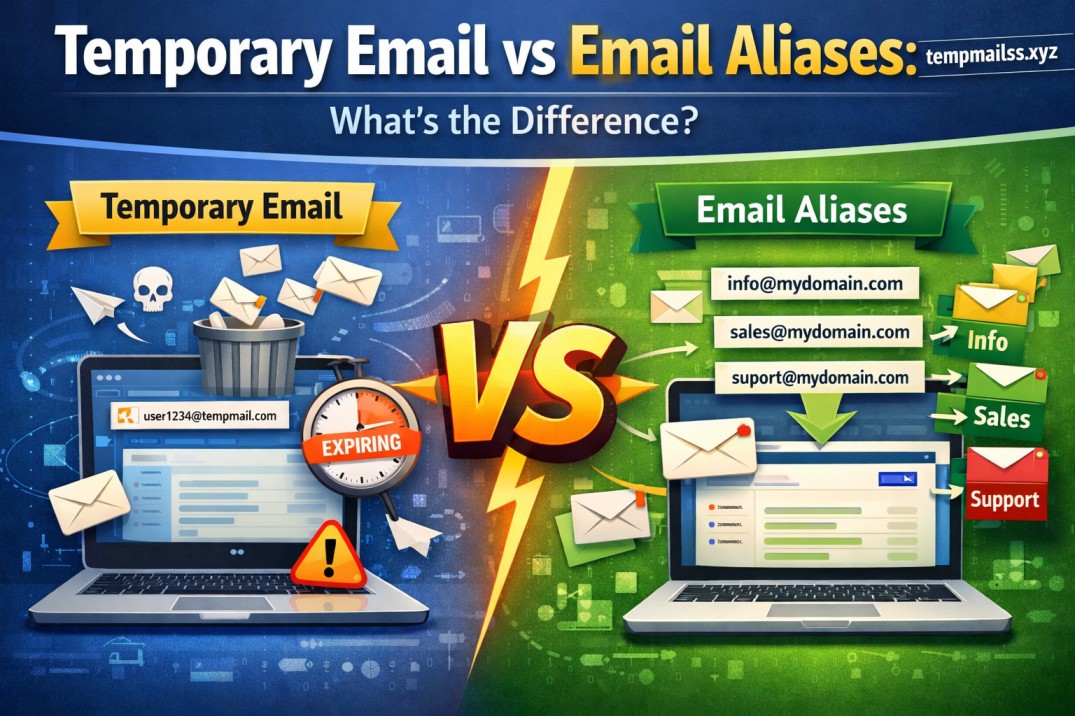
A temporary email is a throwaway inbox that exists for a short time — minutes, hours, maybe a day — and then disappears. You never check it again. It's not even tied to your real identity.
An email alias is a secondary email address that's permanently linked to your real inbox. Mail sent to the alias actually lands in your real mailbox, just under a different name.
Think of it like this: a temp email is a disposable paper cup. You use it once and toss it. An alias is more like a nickname you go by at work — it's still you, people can still reach you, but you're not handing out your home address.
That distinction sounds small, but it completely changes how and when you should use each one.
My First Real Experience With Temp Email
I started using temporary email services a couple years ago when I needed to download a "free" PDF guide off some marketing website. I knew the second I entered my real email, I'd get drip-fed sales emails for the next three years.
So I used a service called Temp Mail (similar to what tempmailss.xyz offers) — typed in the site, got a random inbox address instantly, no signup, no password, nothing. I copied the address, pasted it into the PDF download form, got my verification email, downloaded the file, and closed the tab.
That was it. I never went back to that inbox. It probably expired within an hour.
This became my go-to move for:
- Downloading gated content (ebooks, whitepapers, templates)
- Testing apps or software trials without commitment
- Signing up for forums I knew I'd use once
- Avoiding spam from sketchy e-commerce sites during a one-time purchase
- Verifying accounts I wasn't sure I'd keep
The biggest thing I learned here, sometimes painfully: don't use temp email for anything you might need later.
The Mistake That Taught Me a Lesson
Here's where I messed up. I once used a temporary email to sign up for a project management tool I was trialing for freelance work. I figured I'd just test it for a day.
Except I actually liked the tool. Three days later I wanted to log back in, add a payment method, and keep using it.
Guess what? The temp inbox was gone. Expired. No way to receive the password reset link. I had to create a brand new account from scratch and redo all my project setup.
Lesson learned the hard way: temp email is for one-time, no-strings-attached situations only. If there's even a small chance you'll want to keep the account, don't use it.
Then I Discovered Email Aliases (And Felt Kind of Dumb)
After that whole project management mess, a developer friend of mine laughed and said, "Why didn't you just use an alias?"
I genuinely didn't know what he meant at first.
He showed me how Gmail lets you add a "+" trick to your email — like if your email is john.smith@gmail.com, you can sign up for things as john.smith+projecttool@gmail.com. The mail still lands in your normal Gmail inbox, but now you can see exactly which service that email came from, and you could filter or block it later if needed.
That blew my mind a little, not gonna lie.
Then he introduced me to actual alias services — Apple's "Hide My Email" feature (built into iCloud) and a third-party tool called SimpleLogin. These let you generate real, working alias addresses that forward straight to your main inbox, but the sender never sees your actual email.
So I tried it for a shopping account I knew I'd use repeatedly — an online grocery delivery service. I created an alias through Hide My Email, used that to sign up, and now every email from that grocery app comes straight into my regular inbox, but under a disguised address.
If that grocery company ever gets hacked or sells my data (it happens more than people think), I can just disable that one alias. My real email stays untouched.
Step-by-Step: When to Use Which
I'll break this down the way I now actually use both, almost automatically.
Use Temporary Email When:
- You're downloading something once and never going back (PDF, coupon code, free trial file)
- You're testing a sketchy or unknown website you don't trust
- You need to bypass a "you must enter an email to continue" wall for content you'll only view once
- You're avoiding spam from a site you're 90% sure you won't revisit
- You're verifying something quickly without wanting any long-term connection
How I do it: I go to tempmailss.xyz, copy the auto-generated address, use it on the signup form, grab my verification code or download link from the inbox, and that's it. No account, no password, no commitment.
Use an Email Alias When:
- You want to keep using the service long-term but don't want to expose your real email
- You want to track which company is leaking or selling your email (if spam starts, you know exactly who to blame)
- You're signing up for subscriptions, shopping sites, or recurring services
- You want the option to "turn off" access to your inbox from one specific source without changing your whole email
- You care about privacy but still need real account recovery and login access later
How I do it now: For Apple users, Hide My Email is built right into Settings → Apple ID → iCloud → Hide My Email. For everyone else, SimpleLogin or Firefox Relay work great and are free to start.
Real Examples From My Own Inbox
Just so this isn't just theory, here's literally how I use both right now:
- Temp email: Every time I want to read an article behind an email wall (looking at you, random "industry report" PDFs), I use a temp address. Done in 30 seconds, never thought about again.
- Alias: My Spotify, Amazon, and food delivery accounts all use separate aliases. When I started getting weird spam calls last year, I checked my alias logs and realized one specific shopping site had clearly leaked my info. I deleted that one alias, problem solved, everything else stayed clean.
That single moment — being able to pinpoint exactly which company leaked my data — is honestly what sold me on aliases for anything ongoing.
Common Mistakes People Make
I've made most of these myself, so take it from experience:
Mistake 1: Using temp email for important accounts. If there's banking, payments, or anything you'll need to recover later, never use a throwaway inbox. You will get locked out.
Mistake 2: Using your real email everywhere out of laziness. This is how inboxes turn into spam graveyards. I used to have over 4,000 unread promotional emails before I started using aliases.
Mistake 3: Assuming all temp email services are private. Some shady ones actually log and sell the temp emails passing through them. Stick to known, reputable services.
Mistake 4: Forgetting which alias goes where. If you create dozens of aliases, label them clearly (most alias tools let you add notes) so you remember why you made each one.
Mistake 5: Using one alias for everything. That defeats the purpose. The whole point is separating services so you can track and control them individually.
A Simple Way to Decide
Whenever I'm unsure which to use, I ask myself one question:
"Will I ever need to log back into this?"
If the answer is no — grab a temp email, use it, forget it.
If the answer is yes, even a maybe — use an alias so you keep access without exposing your real inbox.
It genuinely takes two seconds to ask yourself that, and it'll save you from the kind of headache I had with that project management tool.
Final Thoughts
Honestly, once I understood the difference, my whole approach to signing up for stuff online changed. I stopped handing out my real email like candy, and I stopped accidentally locking myself out of accounts I actually wanted to keep.
Temp email and aliases aren't competing tools — they're just suited for different jobs. One's a disposable cup, the other's a smart disguise. Once you start using both intentionally, your inbox gets quieter, your privacy improves, and you stop dealing with the kind of spam floods that make checking email feel like a chore.
If you're not using either right now, start small. Next time a random website demands your email just to show you a discount code, try a temp email instead. And for anything you'll actually use again, set up an alias. Your future inbox will thank you.










